Introduction
A lot of people search this because they don’t want to:
- Create a Facebook account
- Log in just to check a profile
- Or they’re blocked / logged out
Most articles online either promise hacks (which don’t work) or hide the limits.
That’s why users keep bouncing between pages.
This guide provides the real, updated answer: what you can see, what you cannot, and why.
The Short Truth (Before We Go Deep)
You cannot fully view Facebook accounts without a profile.
But-
You can see some public information, only in specific cases.
Anything claiming “full access without login” is clickbait or unsafe.
What You Can See Without a Facebook Profile
1. Public Facebook Pages (Not Personal Profiles)
You can view:
- Business pages
- Public figures
- Brands
- Community pages
These pages are designed to be visible to everyone, even without logging in.
✔ Profile picture
✔ Cover photo
✔ Public posts
✔ Basic info
No account required.
2. Public Posts Shared Outside Facebook
If someone:
- Shares a post publicly
- And that post is indexed by Google
You may see it via:
- Google search results
- Cached previews
⚠️ This works only if the user’s privacy is set to Public.
3. Profile Preview (Limited & Temporary)
Sometimes Facebook shows:
- Profile photo
- Name
- A short preview
But:
- Scrolling is blocked
- Content is hidden
- The login pop-up appears quickly
This is intentional.
What You Cannot See Without a Profile
This is where most guides lie 👇
❌ Private profiles
❌ Friends-only posts
❌ Stories
❌ Photos & videos
❌ Friend list
❌ Timeline activity
Facebook strictly protects personal privacy.
No browser trick, website, or tool bypasses this safely.
Why Facebook Blocks Access Without Login
Top articles skip this explanation, so here it is.
Facebook restricts access to:
- Protect user privacy
- Prevent data scraping
- Stop fake views & misuse
This isn’t a technical limitation-it’s a policy decision.
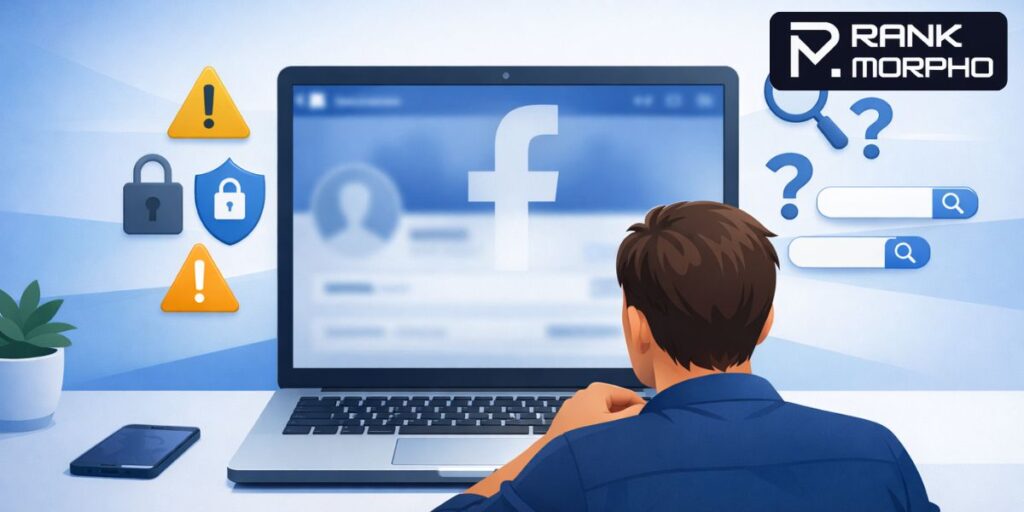
Beware of “Hack” Websites & Tools
You’ll see sites claiming:
- “View any Facebook profile anonymously.”
- “See private profiles without login.”
🚨 Reality:
- They don’t work
- They ask for permissions
- They can steal data
- Some inject malware
Using them can:
- Harm your device
- Violate Facebook policies
The Only Legit Alternatives (Safe Options)
✔ Create a Basic Facebook Account
You don’t need:
- Real photos
- Active posting
Just a minimal account lets you:
- View public profiles
- See shared posts
This is the only reliable way.
✔ Ask for Direct Links or Screenshots
If you need specific info:
- Ask the person directly
- Or request a screenshot
Simple, honest, safe.
Final Verdict (No Confusion)
You cannot fully see Facebook accounts without a profile.
You can:
- View public pages
- See limited public content
Anything beyond that is:
❌ Not possible
❌ Not safe
❌ Not legal
Understanding this saves time and keeps you secure.
Frequently Asked Questions (FAQs)
1. Can I see a Facebook profile without logging in?
You can only see limited public information if the profile or page is set to public. Private profiles and content intended for friends only cannot be viewed without logging in.
2. Is it possible to see private Facebook profiles without an account?
No. There is no safe or legal way to view private Facebook profiles without a Facebook account. Any website claiming this is misleading.
3. Why does Facebook ask me to log in after scrolling?
Facebook allows a short preview but then shows a login prompt to protect user privacy and prevent unauthorized data access.
4. Can Google show Facebook profiles without login?
Google can show public Facebook pages or public posts, but clicking most personal profile links will still redirect you to Facebook’s login page.
5. Are third-party tools safe for viewing Facebook profiles anonymously?
No. Most third-party tools are unsafe, don’t work, and may collect personal data or harm your device.
Also Read: How to Create a Blog Site on WordPress (Step-by-Step Beginner Guide with Examples)