
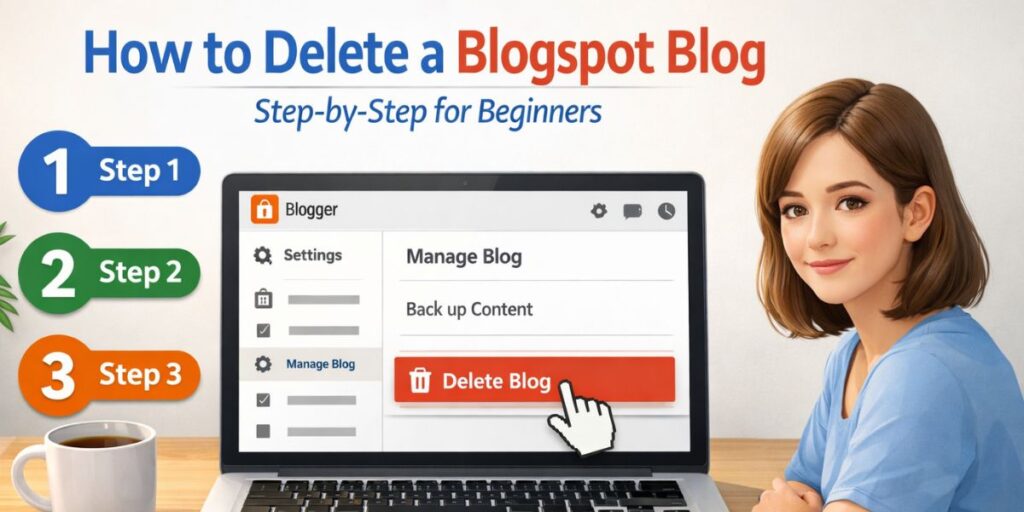
Deleting a Blogspot (Blogger) blog looks simple, but many beginners still get confused.
Questions like:
- Is the blog deleted permanently?
- Can I recover it later?
- What happens to my posts and traffic?
- Will my Google account be affected?
If you delete your blog without understanding these things, you might regret it later.
This guide will walk you through the exact steps and clear every doubt, so you don’t need to search Google again.
Before You Delete Your Blogspot Blog (Important)
Before clicking the delete button, understand this clearly:
- Deleting a blog is not instantaneous and permanent.
- Blogger gives you a recovery window.
- Your Google account remains safe.
👉 Knowing this saves beginners from panic later.
Also read: Is Blogging Still Worth It in 2026? An Honest Breakdown
Step 1: Log in to Blogger
- Go to blogger.com
- Sign in using the Google account that owns the blog.
- You’ll see your Blogger dashboard.
Make sure you are logged into the correct Gmail account.
Step 2: Select the Blog You Want to Delete
If you have multiple blogs:
- Click on the blog name from the dashboard.
- Double-check the blog URL and title.
👉 Many beginners delete the wrong blog here. Always confirm.
Step 3: Go to Settings
- In the left sidebar, click Settings.
- Scroll down to the “Manage blog” section.
This is where most blogs skip explanation, but this part matters.
Step 4: Click “Delete Blog”
Under the Manage blog, you’ll see:
👉 Delete blog
- Click Delete blog
- Blogger will show a confirmation pop-up.
- Click Delete
That’s it – but read the next part carefully.
What Happens After You Delete a Blogspot Blog?
This is the most missed explanation on top-ranking blogs.
🔁 Blog Goes to “Deleted Blogs” Section
- Your blog is not erased immediately.
- It has been moved to Deleted blogs.
- Only you can see it
Can You Recover a Deleted Blogspot Blog?
✅ Yes – But Only for a Limited Time
- Blogger allows recovery for up to 90 days.
- After that, the blog is permanently deleted.
- The recovery option disappears forever.
👉 This is why you should not panic after deletion.
How to Restore a Deleted Blogspot Blog
If you change your mind:
- Go to the Blogger dashboard.
- Scroll down to Deleted blogs.
- Click Undelete next to the blog.
- The blog will be restored instantly.
What Happens After 90 Days?
After 90 days:
- The blog has been permanently removed.
- All posts, images, and comments are deleted.
- The URL may become available to others.
⚠️ There is no recovery after this point.
Also Read: Why Most New Blogs Fail in the First 6 Months (Real Reasons)
Does Deleting a Blogspot Blog Affect Gmail or a Google Account?
No.
This is a very common beginner fear.
- Gmail remains active
- Google Drive, YouTube, and Analytics remain safe.
- Only the selected blog is deleted.
👉 Blogger is just one service under Google.
Common Mistakes Beginners Make
Avoid these mistakes:
- Deleting the blog without a backup
- Thinking deletion is instantly permanent
- Using the wrong Gmail account
- Not checking the Deleted blogs section.
Should You Delete or Just Hide the Blog?
If you’re unsure, consider this:
Instead of deleting, you can:
- Make the blog private.
- Remove posts temporarily
- Change theme or content.
Deletion should be the last option.
Final Answer (No Confusion)
👉 Deleting a Blogspot blog is easy, safe, and reversible (for 90 days).
👉 Your Google account stays safe.
👉 Permanent deletion happens only after 90 days.
If you follow the steps carefully, you won’t make mistakes.
Key Takeaway for Beginners
Don’t rush.
Understand the process.
Delete only when you’re sure.
Now you know exactly how to delete a Blogspot blog without confusion, fear, or regret.
FAQs: Deleting a Blogspot Blog
1. How long does it take to delete a Blogspot blog permanently?
A Blogspot blog is permanently deleted after 90 days. During this time, you can still recover the blog from the Blogger dashboard.
2. Can I recover my deleted Blogspot blog?
Yes. You can restore a deleted Blogspot blog within 90 days by clicking the Undelete option in the Deleted blogs section.
3. Will deleting a Blogspot blog delete my Google account?
No. Deleting a Blogspot blog does not affect your Gmail or Google account. Only the selected blog is removed.
4. Can I delete a Blogspot blog using my mobile phone?
Yes. You can delete a Blogger blog using a mobile browser by logging into blogger.com and following the same steps as desktop.
5. Should I delete my Blogspot blog or make it private?
If you are unsure, it’s better to make the blog private first. Deleting should be done only when you are completely sure.